ScreenYeet: Turning 10,000 Screenshots Into Action
A mobile app that closes the gap between capturing something and doing it. Built solo with agentic coding tools, AI-assisted design, and a pixel-art cat.
The skin in the game challenge
I have over 10,000 screenshots on my phone. Recipes I'll never cook, books I'll never buy, events I'll never attend. Not because I don't want to, but because the moment I screenshot something, it disappears into a camera roll graveyard. The intent is there. The follow-through isn't.
This is a capture-action gap, and part of it is behavioral, but part of it is structural. Modern apps don't talk to each other. I can't go seamlessly from an X post about a book festival to a calendar invite. I can't go from a recipe blog to a discrete ingredient list and numbered steps. Every time I screenshot something, I'm compensating for the fact that the apps I use daily weren't designed to connect. The screenshot becomes a promise I make to myself, and then break, because the friction between capturing and acting is too high.
I wanted to build something that closed that gap, and I wanted it to feel like something I'd actually enjoy opening.
What ScreenYeet is
ScreenYeet is a mobile app that transforms screenshots and photos into organized, actionable information. Share an image to the app, and AI analyzes it: extracting data, categorizing the content, and surfacing what to do next.
A screenshot of a book on Amazon becomes a shopping item with a purchase link and a price. A photo of an event flyer becomes a calendar entry with an "Add to Calendar" button. A recipe from Instagram becomes an ingredient checklist with step-by-step instructions. An art post becomes tagged inspiration in a visual mood board.
The core idea: screenshots are intentions. ScreenYeet turns them into actions.
Why I built it
I needed a real project (one where I had skin in the game) to experiment with agentic coding and AI-assisted design. A product I'd actually use, solving a problem I actually have, where the stakes were my own time and my own standards.
I wanted to test a few hypotheses at once: Could I, as a design leader, use agentic coding tools to build an app I was genuinely proud of: functionally, aesthetically, and in terms of real value? Could I design something personalized enough to change my own behavior? And if it worked for me, could the patterns generalize to help others?
The name is intentionally playful. The productivity app space is crowded and serious. Another "Focus" or "Flow" or "Notion for X" would disappear. ScreenYeet stands out precisely because it doesn't take itself too seriously, and that tone runs through the entire product. The name sets the expectation: this is a tool with personality.
Want early access?
ScreenYeet is in beta. Drop your info and I'll reach out when spots open up.
My role
Everything. I designed ScreenYeet through sketching, working through flows, layouts, and interaction patterns on paper before touching code. Then I built it solo using React Native and agentic coding tools, pushing to see how far a designer could take a real product with AI-assisted development. From the categorization system and data architecture to the visual design, interaction patterns, and the personality of the app itself, every decision was mine. This is a product that reflects how I think about design, AI, and the relationship between the two.
The new design process: voice to vision
I created the design direction by speaking my ideas into a structured notes app, stream-of-consciousness thinking about the aesthetic, the metaphors, and the emotional experience I wanted the app to create. Then I used Claude to turn those raw notes into a coherent, actionable design brief that I could reference throughout the build and use to QA against.
Voice notes → structured brief was the creative unlock. The raw thinking stays loose; the AI makes it operational without flattening it.
The result is a visual identity inspired by Japanese stationery: warm cream interiors, a bold terracotta header, editorial typography, and a digital version of that feeling of carrying a lovingly-crafted notebook into a meeting. The design itself is the differentiator. It's what makes ScreenYeet feel personal and worth opening, not just useful.
The Yeet Cat: human-AI creative collaboration
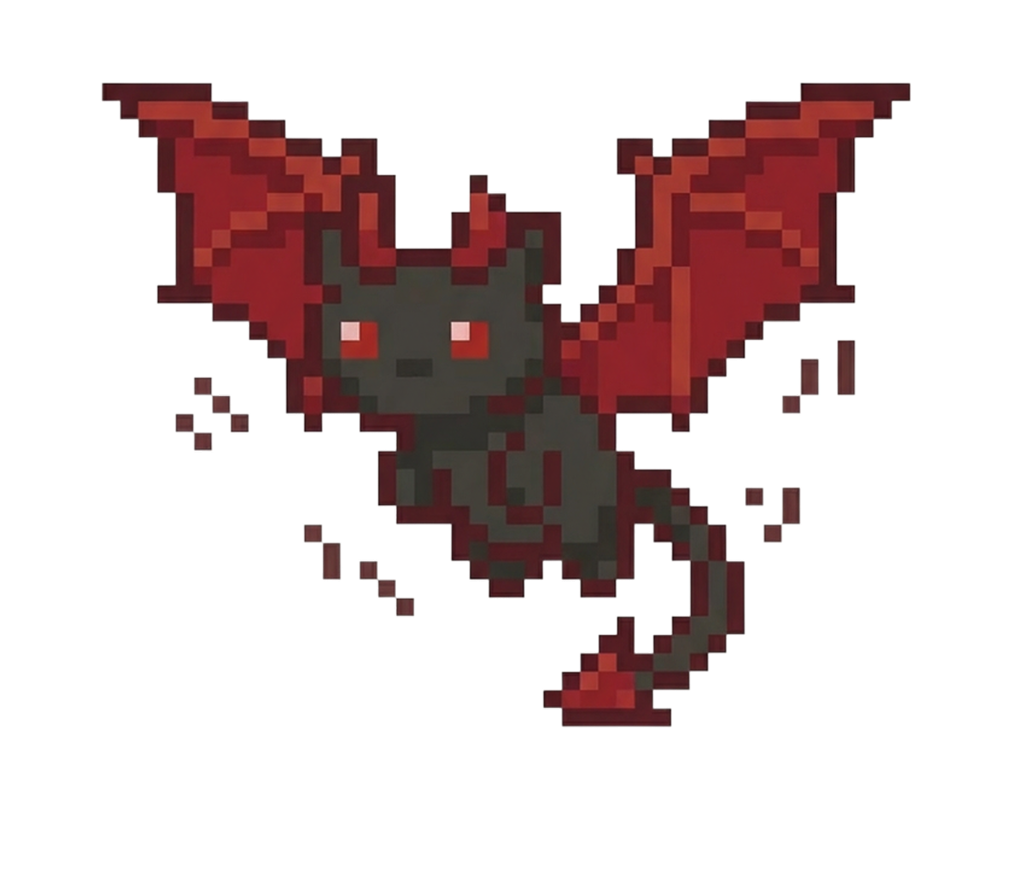
The pixel-art mascot (the Yeet Cat) started as a single original asset sheet: one base character with a handful of props. From that one drawing, I used AI image tools to iterate a library of 25+ variants that maintain the same pixel-art style language while going in directions I wouldn't have arrived at alone.
The interplay between my original concept and the AI's interpretations pushed the character into surprising territory: elemental variations, costume changes, mood states, entirely new narrative contexts. Some of them I'd never have thought to try. Some of them didn't work at all. But the creative feedback loop (prompt, evaluate, redirect, prompt again) produced a richer character system than I could have built solo in the same timeframe. It changed how I think about the relationship between a designer's vision and AI as a creative tool: not replacement, not just execution, but a collaboration that expands what's possible from a single starting point.
How it thinks and how it helps you act
The AI system and the interaction design aren't separate layers. They're the same thing. Every AI decision is in service of closing the gap between capturing and doing, and a lot of that gap is where executive dysfunction lives.
I defined eight content categories, each with specific extraction rules, confidence thresholds, and multi-category handling. When a user shares a screenshot, the AI doesn't just label it: it pulls out the specific data that makes the content actionable and tells you what to do next. Each category has commonalities and differences across the template behind it. It was important to me for each category preview and detail drawer to feel consistent and also be unique to capturing user intent. Each category also has a specific CTA using the native functionality (calendar, phone book, etc.) and a direct link to the source when the user needs to take action outside of the app or the native OS.
The "What's Next" / "Steps" / "Schedule" patterns within the category details is a collection of tactics to help the user convert screenshots to actions: every item gets small, concrete steps where the first action is always obvious. Not "buy this book" but "Open Amazon link and add to cart." This tactic helps the brain envision success and move towards action by making the first step as approachable as possible. The offer to schedule a time block to do the thing protects time for it and makes the user's intention visible in their calendar.
The Assistant view (the home screen) layers more tactics on top: "If You Do One Thing" reduces decision paralysis by surfacing a single high-value action. "Your Wins" celebrates progress. "What Needs Attention" flags deadlines. "Suggest My Next Move" keeps momentum going. These are features that are inspired by my own education and experience on tactics that really work for people who have ADHD and especially executive dysfunction.
Tools and methodologies
- React Native for cross-platform mobile development
- Agentic coding tools for AI-assisted development - testing how far a designer can take a real product with AI as a build partner
- AI-powered categorization with structured extraction schemas and confidence scoring
- Platform detection for smart extraction from X, Instagram, Amazon, iMessage, and other common screenshot sources
- Xcode for code review and side-loading builds onto my own phone for hands-on testing
What this project demonstrates
ScreenYeet is a design leadership project disguised as a side app. It required defining a product vision, designing an AI system with trust boundaries, creating a visual identity from scratch, and building the entire thing, solo, in a few months, using agentic coding tools.
The skills at work here aren't hypothetical:
- Problem framing - identifying the capture-action gap as both a behavioral and structural problem, then designing for both dimensions
- AI product design - defining categorization logic, confidence thresholds, multi-category handling, and a feedback loop that learns from use
- Trust architecture - designing an AI that's transparent about uncertainty, never overrides user intent, and earns trust through useful, honest behavior
- Inclusive design - embedding ADHD-informed tactics into the product's core structure
- Visual systems thinking - building a cohesive design language from a conceptual metaphor (Japanese stationery) through color, typography, motion, and component design
- AI-assisted creation - using agentic coding tools to build production software and AI art tools to generate a scalable visual identity from a single original illustration
- Full-stack execution - taking a product from sketches to working app, alone, making every decision from architecture to animation
What's next
ScreenYeet is a living product. I use it daily, and I'm running an ongoing experiment on myself: does closing the integration gap between apps actually change behavior? Early signs say yes. Items with support scaffolding around them get acted on at a higher rate than those that languish in my camera roll. I'm also feeling weirdly compelled to check on the "yeet cat."
The roadmap includes refining the behavioral specifications of the agent and expanding its collection of skills and tools based on user feedback. The hypothesis is that if ScreenYeet solves this problem for me the patterns will generalize.
The bigger story is about what happens when a design leader stops waiting for permission to build. ScreenYeet isn't a prototype or a concept. It's a real product, solving a real problem, with a real AI system underneath it, and I'm in the process of beta testing it now. More soon.
Let's connect.
Open to conversations, collaborations, and meetups.